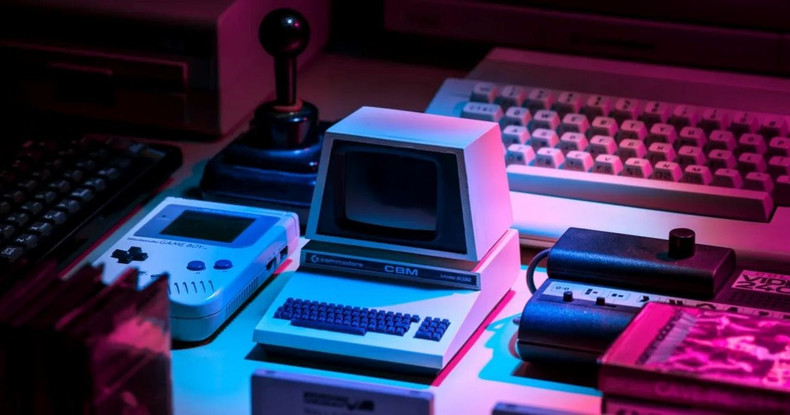
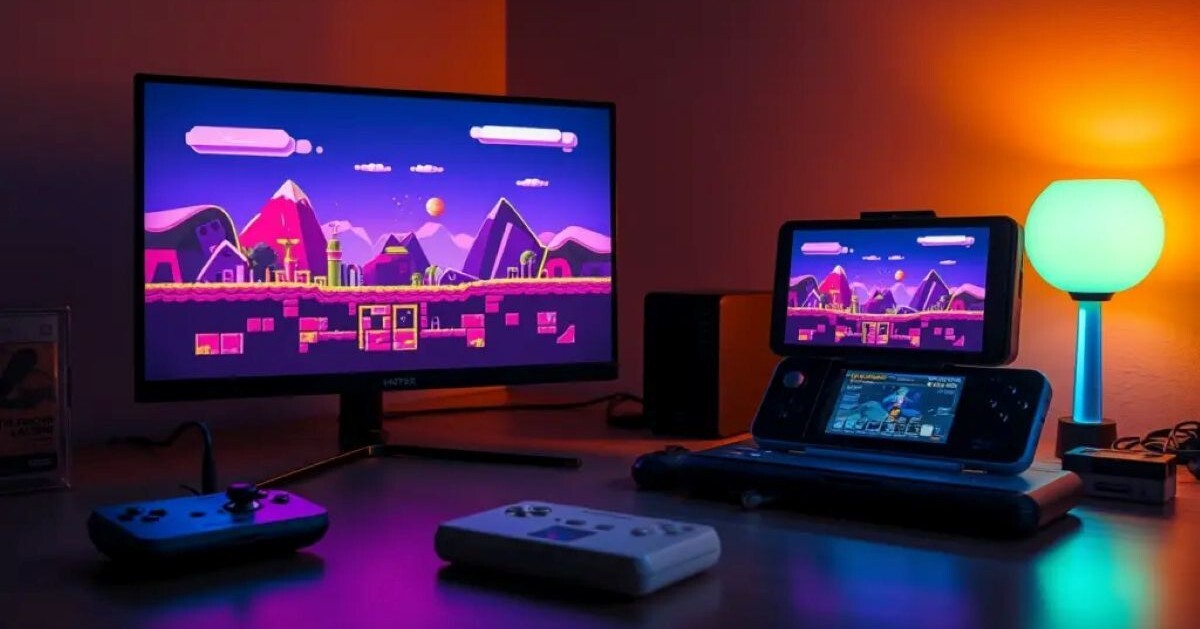
Navigating the fragmented world of classic video game emulation often feels like a full-time job, but RetroArch remains the ultimate all-in-one solution for preservation enthusiasts. Functioning as a sleek, unified frontend, the software brings dozens of distinct gaming consoles together under a single cohesive interface. Whether you are aiming to relive golden-era Super Nintendo platformers, upscale original PlayStation 3D classics, or map modern wireless controllers to obscure arcade boards, getting RetroArch properly configured establishes a seamless, future-proof retro gaming hub on any modern PC setup.
Understanding Cores and Navigation
At the heart of RetroArch's design is its core-based architecture, which separates the main software menu from individual console emulators. Rather than downloading separate standalone programs for every retro system, users simply launch the internal Core Downloader menu to fetch dedicated emulation modules, such as Beetle PSX for PlayStation or Genesis Plus GX for SEGA titles. This modular framework allows all your favourite vintage games to share unified save states, global video filters, frame-delay settings, and custom shader configurations without requiring you to reconfigure controller inputs every time you swap consoles.
Streamlining Input Mappings and Display Shaders
One of the greatest strengths of a fresh RetroArch installation is its robust autoconfiguration system for modern gamepads. Controllers like the Xbox Wireless Controller or DualSense are instantly recognized and mapped out-of-the-box using the standard Retropad abstraction layer. To achieve an authentic retro vibe on high-refresh-rate 4K monitors, players can apply real-time CRT shaders like CRT-Royale. These advanced visual filters accurately replicate scanlines, shadow masks, and phosphor glow, restoring classic visual tricks that retro developers originally relied upon when designing games for old cathode-ray televisions.
Fine-Tuning Performance and Latency Reduction
Beyond aesthetics, fine-tuning your installation ensures sub-frame input responsiveness that often surpasses original retro hardware on modern displays. By enabling features like Run-Ahead frame timing, RetroArch can actually eliminate inherent hardware input lag present in vintage game code by calculating future animation frames ahead of time. Paired with dynamic audio resampling and custom resolution overlays, a properly optimized setup turns your PC into an unbeatable, latency-free retro arcade powerhouse that honors decades of gaming history with pristine accuracy.
Libretro Architecture: When RetroArch was first created in 2010 by developers Hans-Kristian Arntzen and Daniel De Matteis, it was originally designed solely as a simple command-line player for a single Super Nintendo emulator before the duo expanded the underlying Libretro API to transform it into the multi-system emulation juggernaut used globally today!